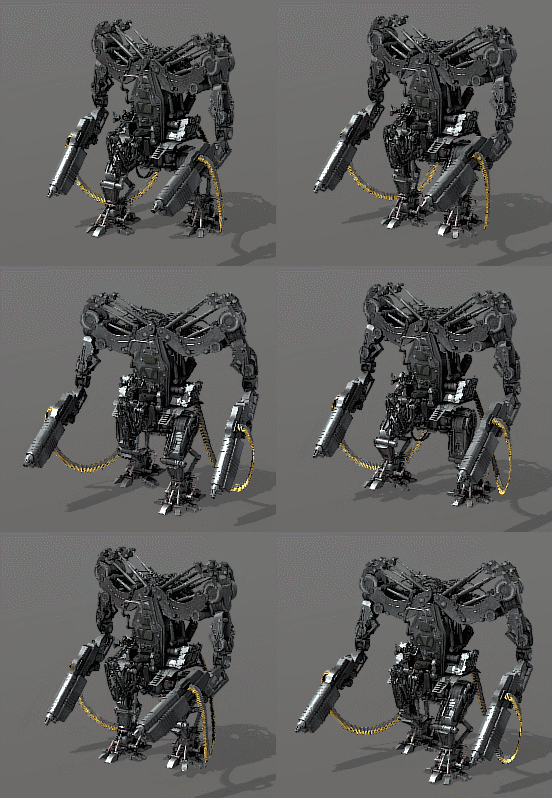
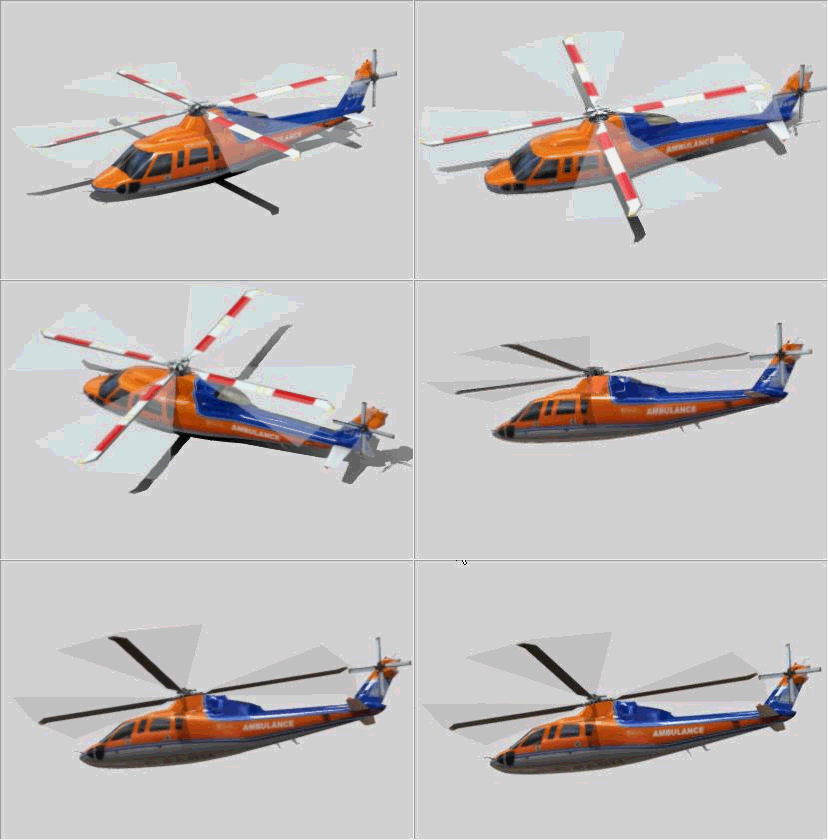
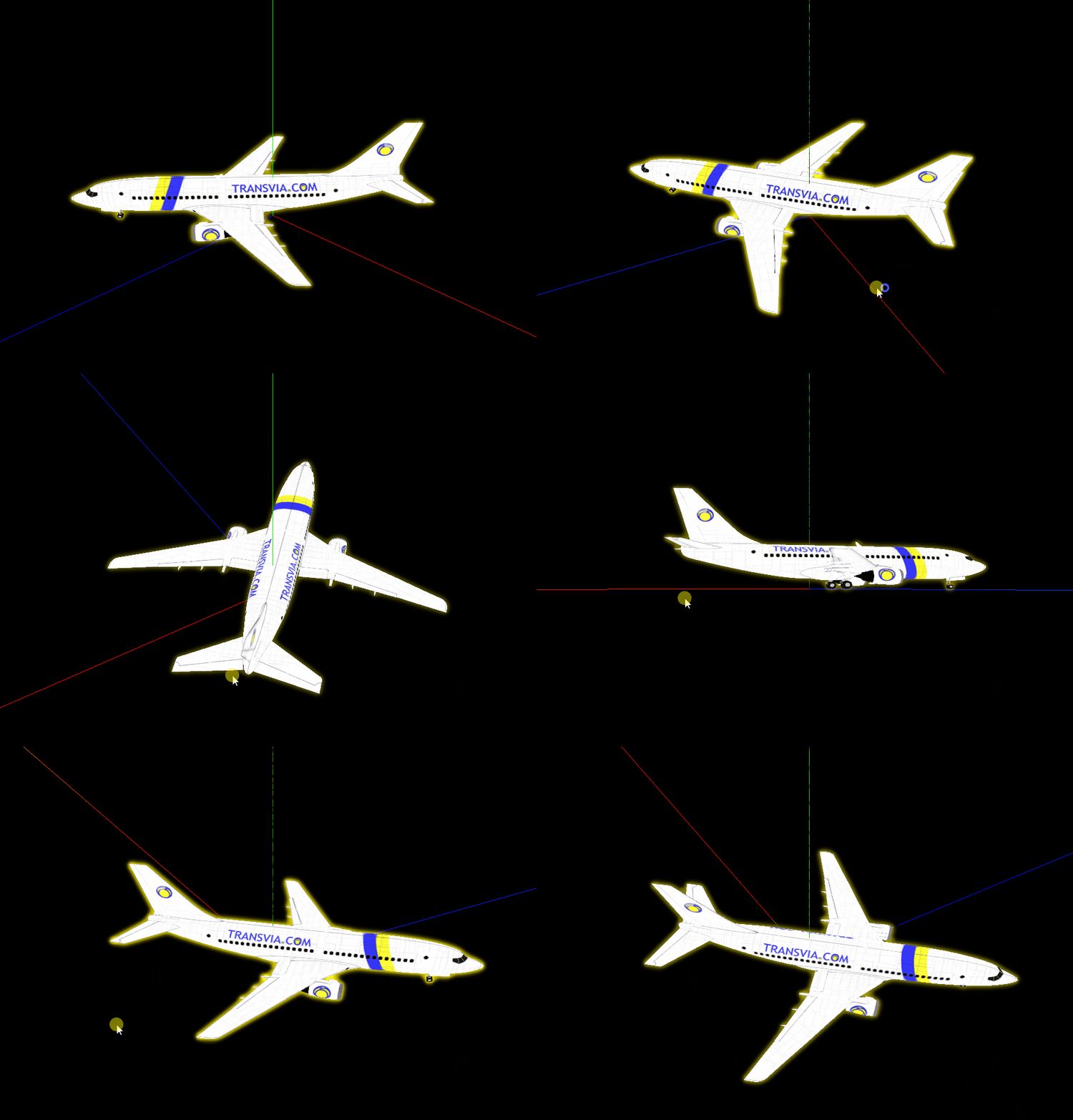
基于Vue + Three.js实现预览3D模型文件(glb,gltf 等后缀文件)
注意事项
- 需下载 Three 依赖包
npm install three
- 1
- Three.js 官网 GLB 模型资源下载
- 代码几乎每行都有自己的注释,可根据自己需求进行调整。
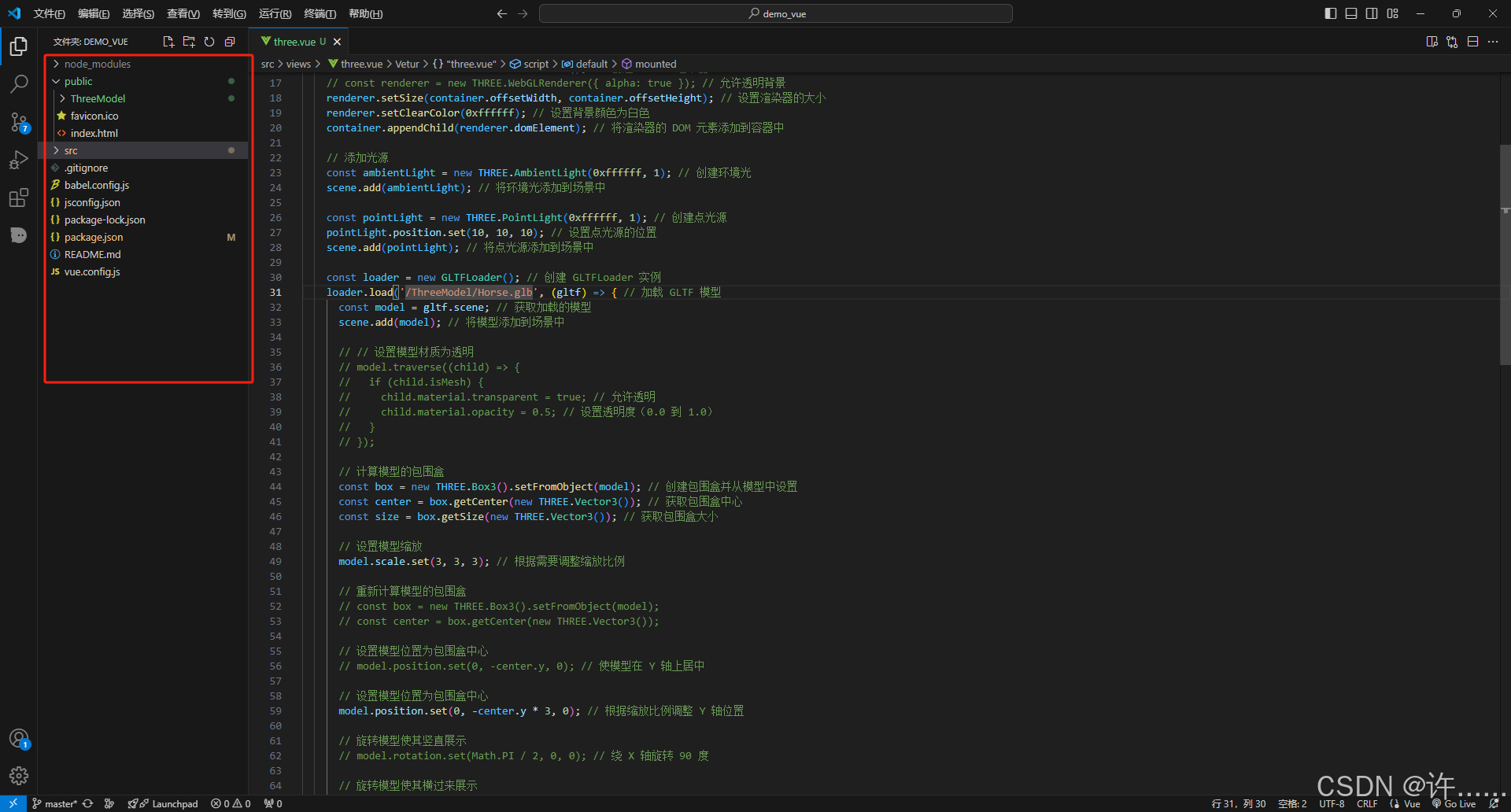
- 注意模型文件的存放位置,需采用绝对路径
/ThreeModel/Horse.glb,放置在public目录内。

3 全部代码
<template>
  <div id="three-container"></div>
</template>

<script>
import * as THREE from 'three';
import { GLTFLoader } from 'three/examples/jsm/loaders/GLTFLoader.js'; // 导入 GLTFLoader 用于加载 GLTF 模型
import { OrbitControls } from 'three/examples/jsm/controls/OrbitControls.js'; // 导入 OrbitControls 用于控制相机

export default {
  name: 'ThreeModel',
  mounted () {
    const container = document.getElementById('three-container'); // 获取容器元素
    const scene = new THREE.Scene(); // 创建一个新的场景
    const camera = new THREE.PerspectiveCamera(75, container.offsetWidth / container.offsetHeight, 0.1, 1000); // 创建透视相机
    const renderer = new THREE.WebGLRenderer(); // 创建 WebGL 渲染器
    // const renderer = new THREE.WebGLRenderer({ alpha: true }); // 允许透明背景
    renderer.setSize(container.offsetWidth, container.offsetHeight); // 设置渲染器的大小
    renderer.setClearColor(0xffffff); // 设置背景颜色为白色
    container.appendChild(renderer.domElement); // 将渲染器的 DOM 元素添加到容器中

    // 添加光源
    const ambientLight = new THREE.AmbientLight(0xffffff, 1); // 创建环境光
    scene.add(ambientLight); // 将环境光添加到场景中

    const pointLight = new THREE.PointLight(0xffffff, 1); // 创建点光源
    pointLight.position.set(10, 10, 10); // 设置点光源的位置
    scene.add(pointLight); // 将点光源添加到场景中

    const loader = new GLTFLoader(); // 创建 GLTFLoader 实例
    loader.load('/ThreeModel/Horse.glb', (gltf) => { // 加载 GLTF 模型
      const model = gltf.scene; // 获取加载的模型
      scene.add(model); // 将模型添加到场景中

      // // 设置模型材质为透明
      // model.traverse((child) => {
      //   if (child.isMesh) {
      //     child.material.transparent = true; // 允许透明
      //     child.material.opacity = 0.5; // 设置透明度(0.0 到 1.0)
      //   }
      // });

      // 计算模型的包围盒
      const box = new THREE.Box3().setFromObject(model); // 创建包围盒并从模型中设置
      const center = box.getCenter(new THREE.Vector3()); // 获取包围盒中心
      const size = box.getSize(new THREE.Vector3()); // 获取包围盒大小

      // 设置模型缩放
      model.scale.set(3, 3, 3); // 根据需要调整缩放比例

      // 重新计算模型的包围盒
      // const box = new THREE.Box3().setFromObject(model);
      // const center = box.getCenter(new THREE.Vector3());

      // 设置模型位置为包围盒中心
      // model.position.set(0, -center.y, 0); // 使模型在 Y 轴上居中

      // 设置模型位置为包围盒中心
      model.position.set(0, -center.y * 3, 0); // 根据缩放比例调整 Y 轴位置

      // 旋转模型使其竖直展示
      // model.rotation.set(Math.PI / 2, 0, 0); // 绕 X 轴旋转 90 度

      // 旋转模型使其横过来展示
      // model.rotation.set(0, Math.PI / 2, 0); // 绕 Y 轴旋转 90 度

      // 设置相机位置
      const maxDim = Math.max(size.x, size.y, size.z); // 获取模型的最大维度
      camera.position.set(0, 0, maxDim * 1.2); // 根据模型大小调整相机位置
      camera.lookAt(center); // 相机朝向模型中心

      // 调整相机的近远裁剪面
      camera.near = maxDim / 100; // 设置近裁剪面
      camera.far = maxDim * 10; // 设置远裁剪面
      camera.updateProjectionMatrix(); // 更新投影矩阵

      // 创建一个父对象用于旋转
      const parent = new THREE.Object3D(); // 创建一个新的 Object3D 作为父对象
      parent.add(model); // 将模型添加到父对象
      scene.add(parent); // 将父对象添加到场景

      // 动画循环
      const animate = function () {
        requestAnimationFrame(animate); // 请求下一帧动画
        // parent.rotation.x += 0.001; // 沿 X 轴旋转父对象
        parent.rotation.y += 0.001; // 沿 Y 轴旋转父对象
        controls.update(); // 更新控制器
        renderer.render(scene, camera); // 渲染场景
      };

      animate(); // 渲染
    }, undefined, (error) => {
      console.error('模型加载错误:', error); // 处理模型加载错误
    });

    // 添加 OrbitControls
    const controls = new OrbitControls(camera, renderer.domElement); // 创建 OrbitControls 实例
    controls.enableDamping = true; // 开启阻尼
    controls.dampingFactor = 0.25; // 阻尼系数
  }
}
</script>

<style>
#three-container {
  width: 400px;
  height: 400px;
  margin: 10% 0 0 50%;
  transform: translate(-50%, 0);
}
</style>1. 本站所有资源来源于用户上传和网络,如有侵权请邮件联系站长!
2. 分享目的仅供大家学习和交流,请不要用于商业用途!
3. 如果你也有好源码或者教程,可以到用户中心发布,分享有积分奖励和额外收入!
4. 本站提供的源码、模板、插件等等其他资源,都不包含技术服务请大家谅解!
5. 如有链接无法下载、失效或广告,请联系管理员处理!
6. 本站资源售价只是赞助,收取费用仅维持本站的日常运营所需!
7. 如遇到加密压缩包,默认解压密码为"gltf",如遇到无法解压的请联系管理员!
8. 因为资源和程序源码均为可复制品,所以不支持任何理由的退款兑现,请斟酌后支付下载
声明:如果标题没有注明"已测试"或者"测试可用"等字样的资源源码均未经过站长测试.特别注意没有标注的源码不保证任何可用性
GLB下载网 - GLB/GLTF模型与格式资源免费下载,支持在线浏览与转换 » 基于Vue + Three.js实现预览3D模型文件(glb,gltf 等后缀文件)
2. 分享目的仅供大家学习和交流,请不要用于商业用途!
3. 如果你也有好源码或者教程,可以到用户中心发布,分享有积分奖励和额外收入!
4. 本站提供的源码、模板、插件等等其他资源,都不包含技术服务请大家谅解!
5. 如有链接无法下载、失效或广告,请联系管理员处理!
6. 本站资源售价只是赞助,收取费用仅维持本站的日常运营所需!
7. 如遇到加密压缩包,默认解压密码为"gltf",如遇到无法解压的请联系管理员!
8. 因为资源和程序源码均为可复制品,所以不支持任何理由的退款兑现,请斟酌后支付下载
声明:如果标题没有注明"已测试"或者"测试可用"等字样的资源源码均未经过站长测试.特别注意没有标注的源码不保证任何可用性
GLB下载网 - GLB/GLTF模型与格式资源免费下载,支持在线浏览与转换 » 基于Vue + Three.js实现预览3D模型文件(glb,gltf 等后缀文件)
常见问题FAQ
- 免费下载或者VIP会员专享资源能否直接商用?
- 本站所有资源版权均属于原作者所有,这里所提供资源均只能用于参考学习用,请勿直接商用。若由于商用引起版权纠纷,一切责任均由使用者承担。更多说明请参考 VIP介绍。
- 提示下载要提取码
- 分享过期和重复下载怎么办
- 模型和平台不兼容怎么办